Before Choosing a Tsuba, Check These Details
Choosing a guard involves two related questions: which design you like, and whether it suits the selected sword. Establish a visual direction first, then check the product information rather than relying on one front-view image.
Choose a palette and a level of detail
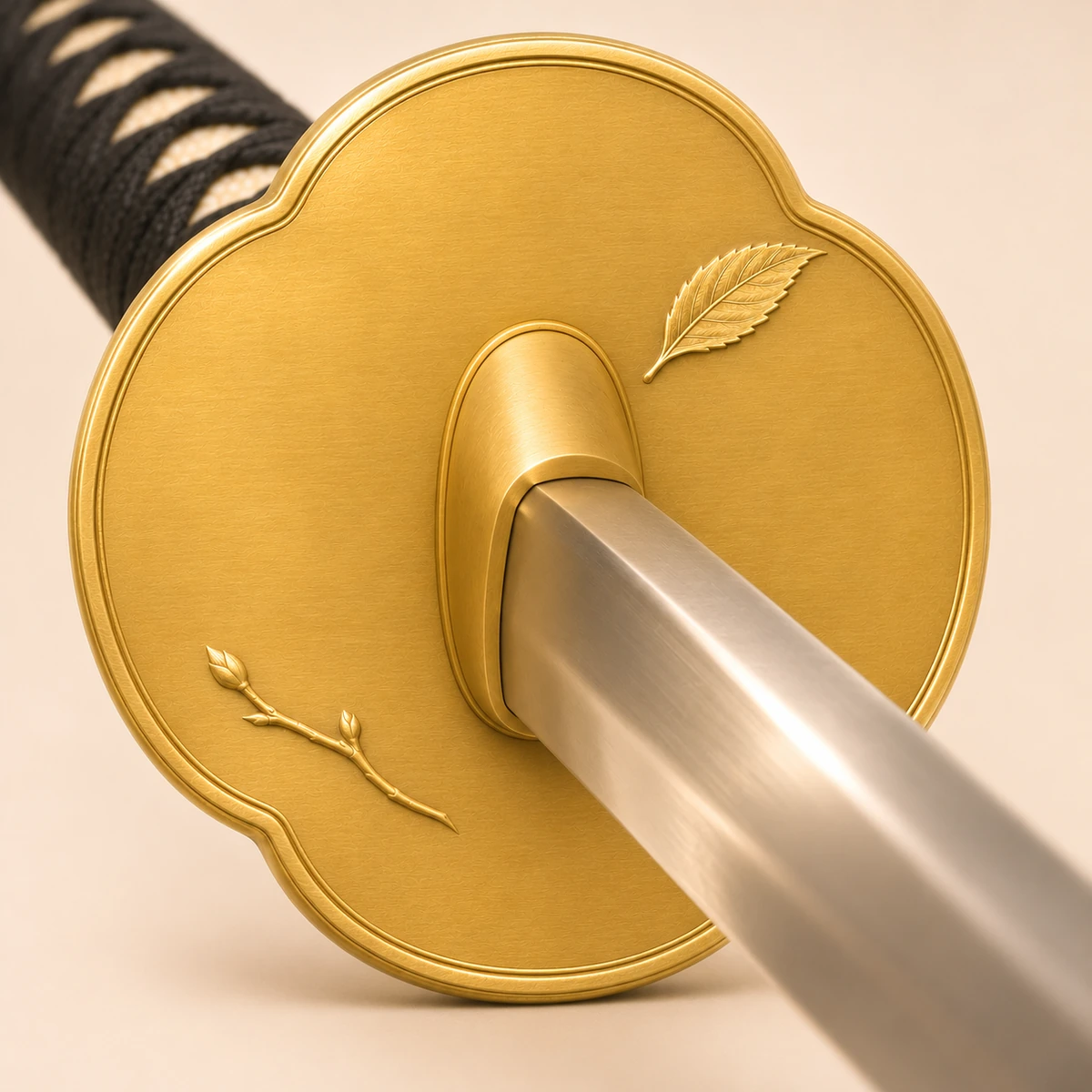
If the grip and scabbard are already decided, use their colors as a starting point. The guard can echo the existing palette or become a focal accent. Then compare spare lines, restrained relief, and more elaborate compositions.
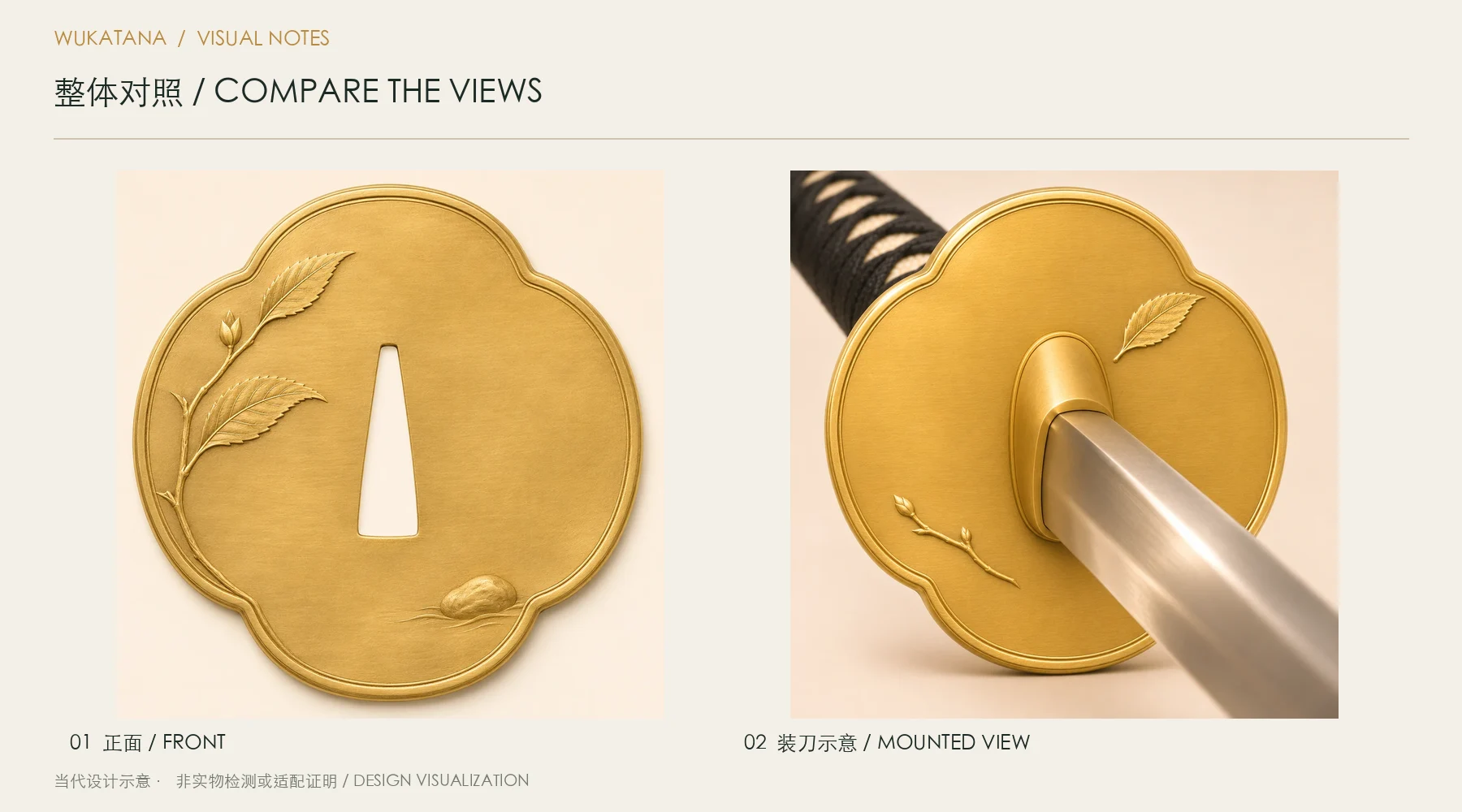
A standalone photograph cannot show the whole relationship. Mounted views help you judge the guard against the grip, see which central details are covered, and compare its metal tones with the other fittings.
Confirm dimensions for the specific combination
Similar outlines do not guarantee identical dimensions, and a front view cannot replace mounting measurements. Check the selected sword and guard together for overall size, thickness, central opening, and fitting requirements.
The site’s matching displays help with selection. Actual compatibility and any fitting work need confirmation with the order. Do not use an image alone as a basis for disassembly or altering an opening.
Review pricing, stock, and selection rules together
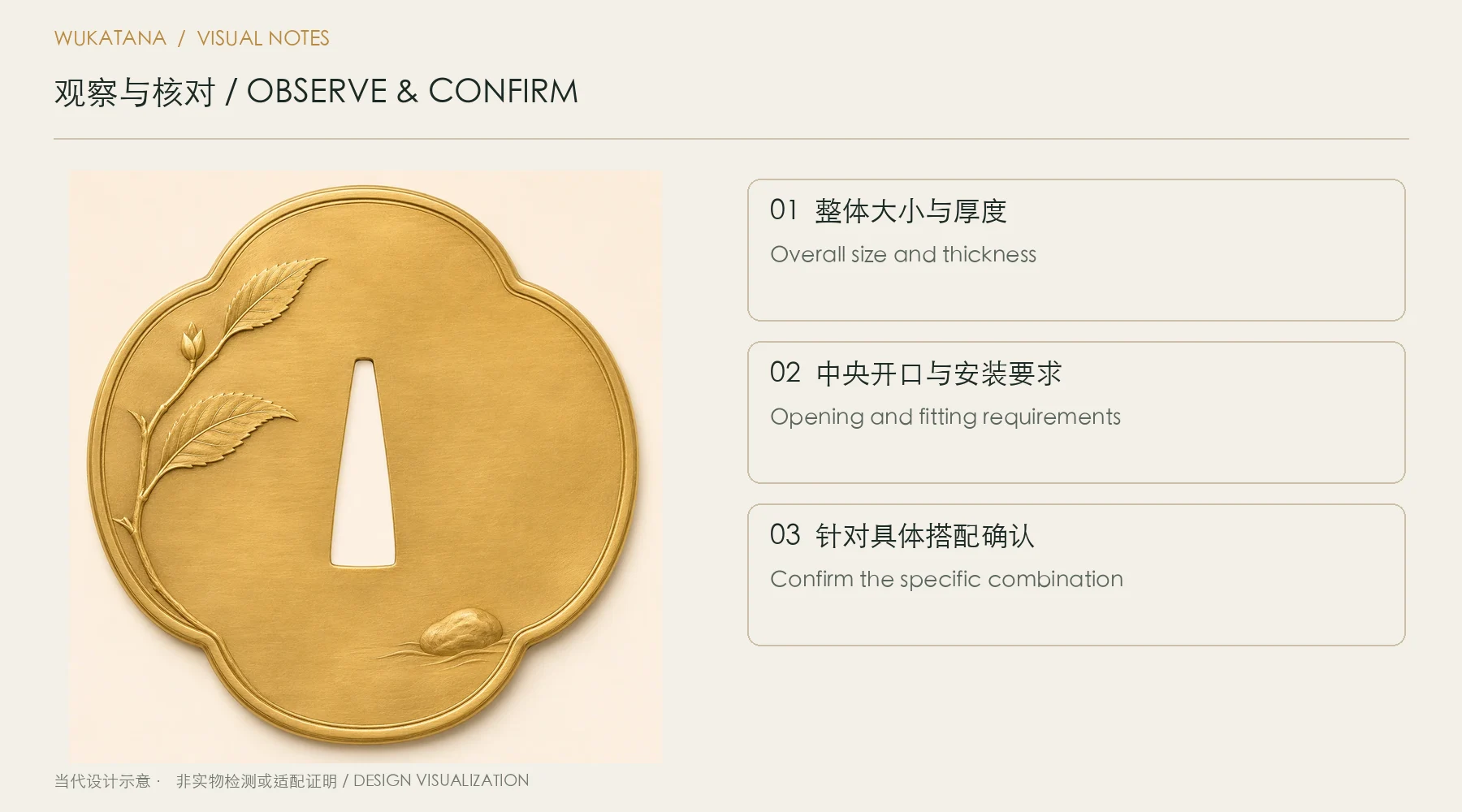
A guard may be listed as an included option or a paid addition. Its availability for a particular sword also depends on that item’s matching rules. Refer to the current product page and available selection list.
A displayed design is not a stock promise when the item shows zero stock or cannot be selected. Keep the design link and color preference, then confirm the available configuration, quotation, and delivery arrangements.